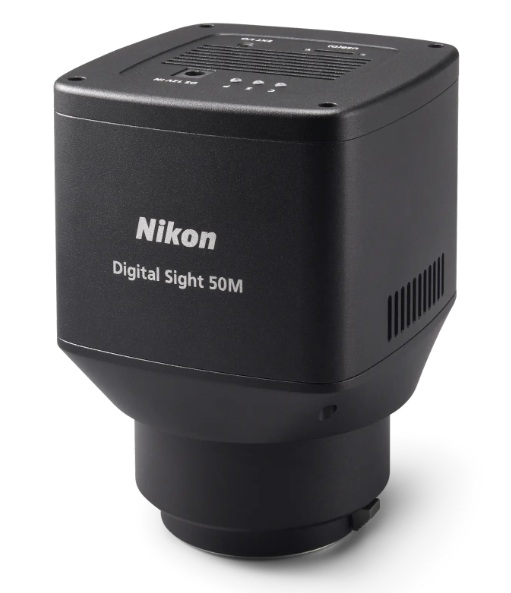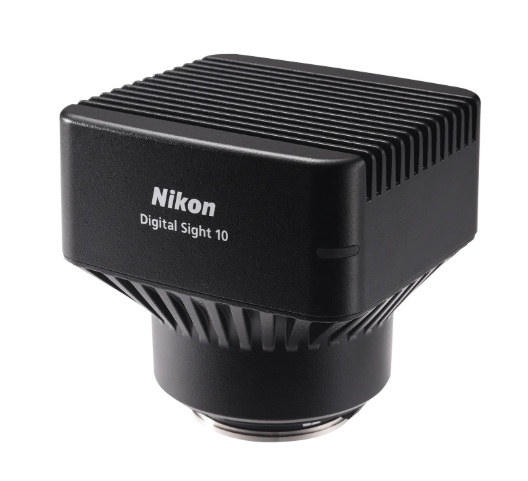
The Nikon FX format CMOS image sensor enables instantaneous capture of images in high definition. Digital Sight 10 allows the unprecedented high resolution of 6K and switching color and monochrome capture with a single camera. This high-performance model also features a high frame rate for fast focusing on high-definition images.
Note: All images on this page are examples from research applications. The Digital Sight 10 is not registered for clinical use.
A full-frame CMOS image sensor for instantaneous one-shot image capture of wide areas
A 25 mm field of view (FOV), possible in combination with inverted microscopes, and upright microscopes, enabling the capture of images over a wider area in one shot. Tiled images can be created efficiently, cutting the time required for screening.
*Upright microscopes are supported only by the ECLIPSE Ni Series (brightfield).
Easily capture fine details with 6K pixel resolution and high image quality
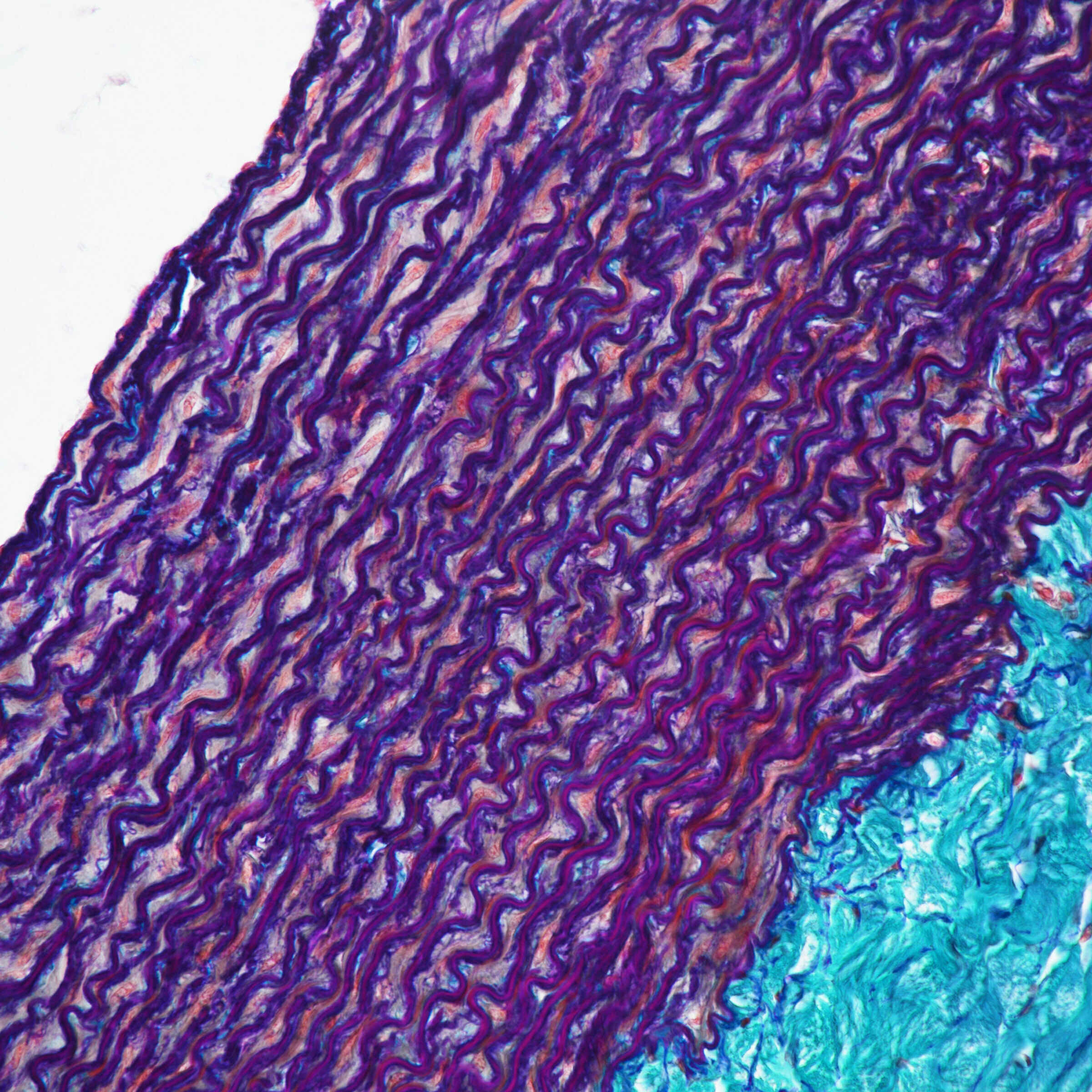
Microscopic images can be captured at up to 6000 x 3984 pixels (23.9 megapixels), ideal for image analysis and observation of fine structures.
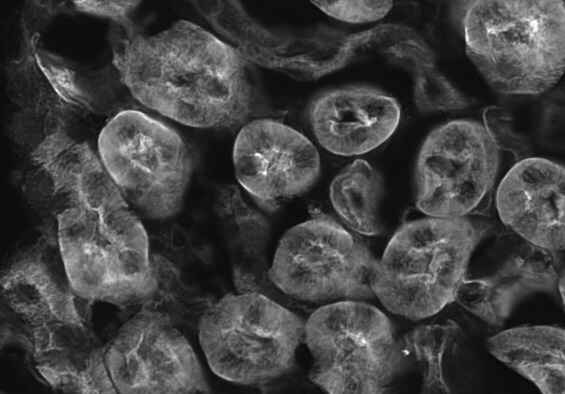 Digital Sight 10 Digital Sight 10 |
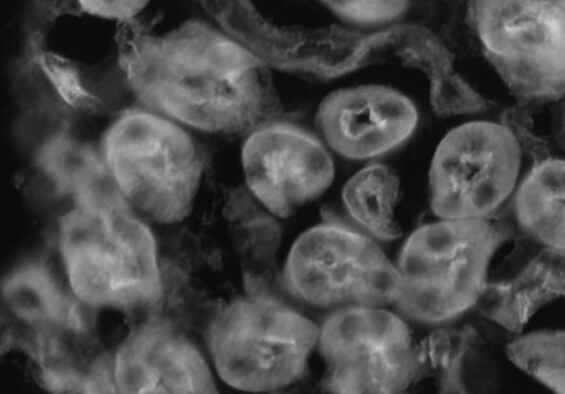 Conventional model (DS-Ri2) Conventional model (DS-Ri2) |
Kidney tissue (WGA: 488) (Objective: CFI Plan Apochromat VC 20X)
A frame rate that captures moving samples at the perfect instant
Digital Sight 10 is capable of live display of 6000 x 3984 pixel (23.9-megapixel) images at 9 frames/second or 1920 x 1080 pixel (2.1-megapixel) images at 66 frames/second. Fine focusing is easy and stress-free. By using the ROI mode, it is possible to shoot only any place at a higher speed.
High sensitivity and low noise
Ideal for fluorescence observation requiring a wide field of view and high definition
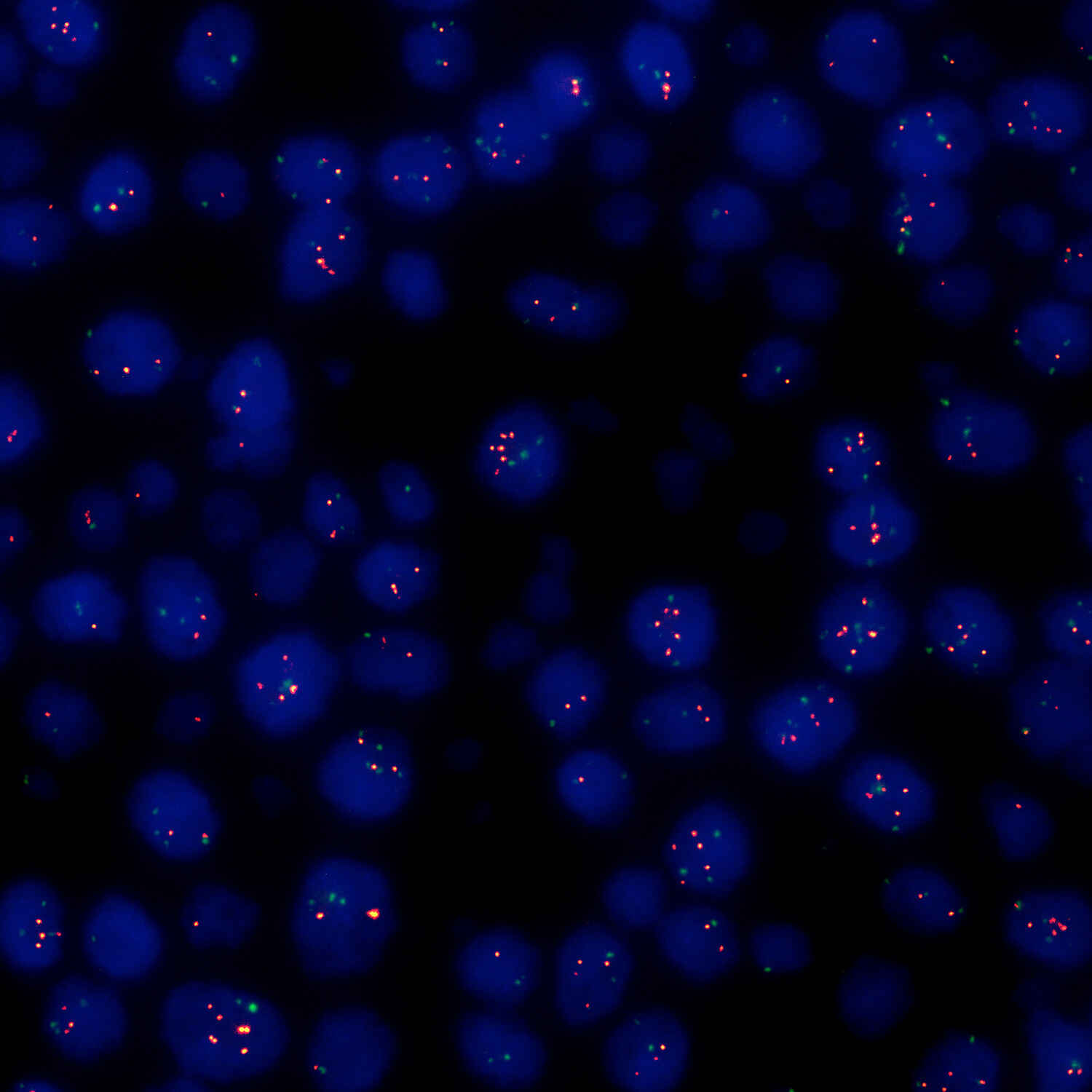
Digital Sight 10 achieves high sensitivity equivalent to ISO 200 in color mode and ISO 800 in monochrome mode. Clear fluorescence observation with a high signal-to-noise ratio is possible in both monochrome and color image acquisition.
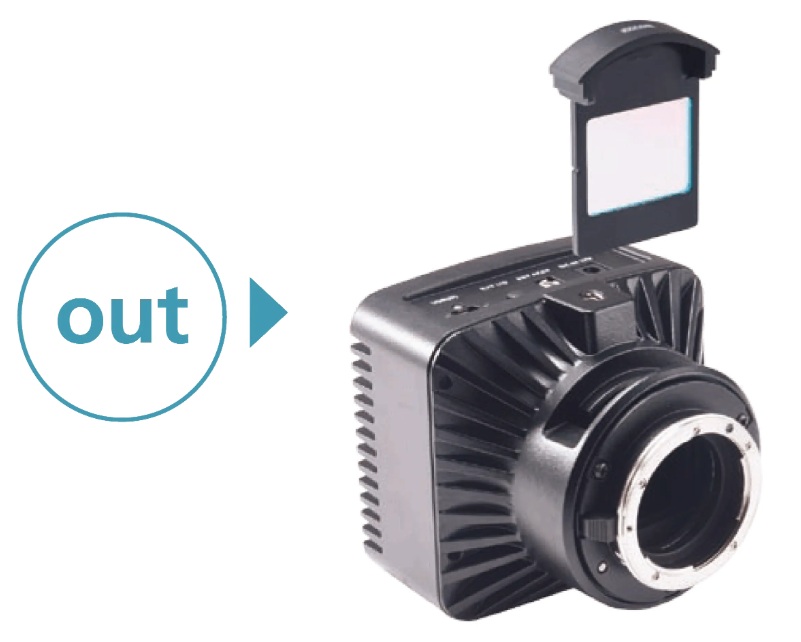
Color shooting and Monochrome shooting are possible with one unit (During manual operation)
|
When inserting the color filter can shoot 400 to 680 nm in color |
When detaching the color filter capable of shooting 400 to 850 nm in Monochrome *Replace with monochrome IR filter |
Electric switching function (During electronic operation (using the 1x electronic adapter))
Easy color mode switching, either manually or electronically
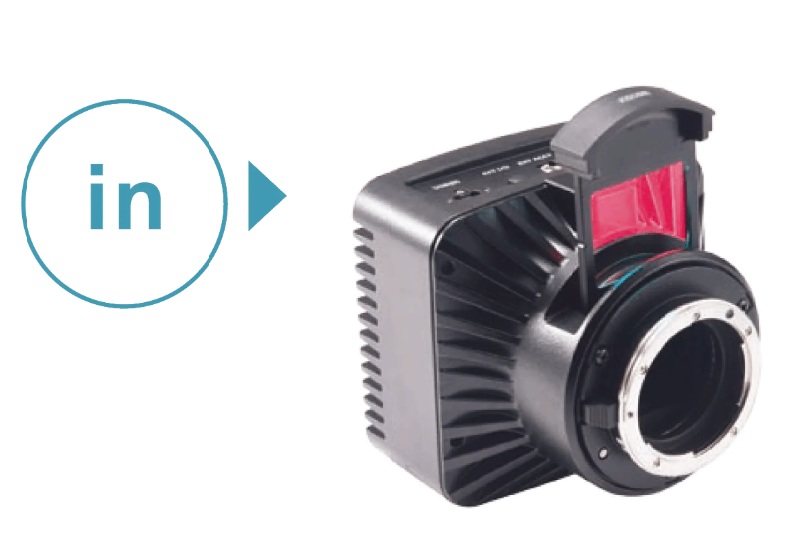
Digital Sight 10 makes it possible to easily switch the color mode either electronically or manually by using specialized imaging software for electronic switching or attaching/detaching filters to the slot at the bottom of the microscope camera for manual switching.
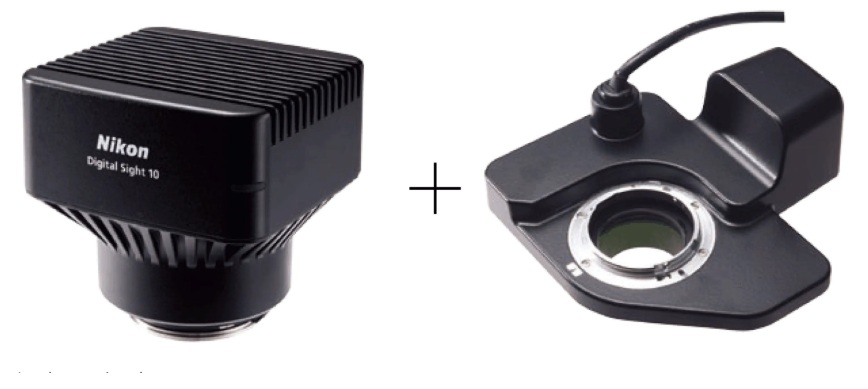 1x electronic adapter 1x electronic adapter |
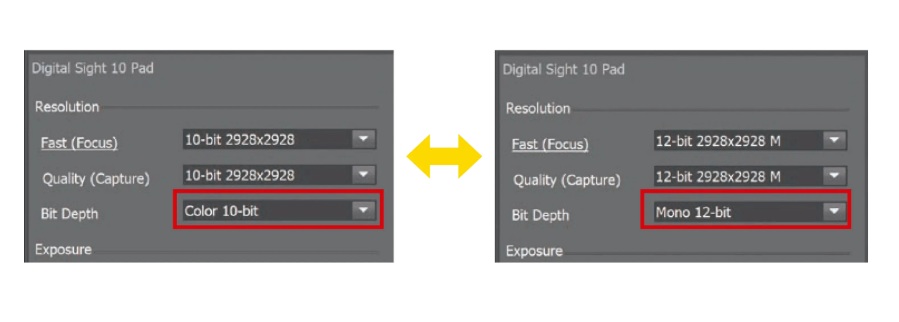 Switch with a single action in the imaging software Switch with a single action in the imaging software |
*A 1x electronic adapter and a separate PC equipped with specialized imaging software, NIS-Elements, are required for electronic operation.
Achieves consistent shooting with a single sensor: A convenient all-in-one camera for multiple observation applications
A single sensor captures both color and monochrome images, for consistent appearance even when switching color mode. Easy image acquisition is possible without the hassle of using different cameras.
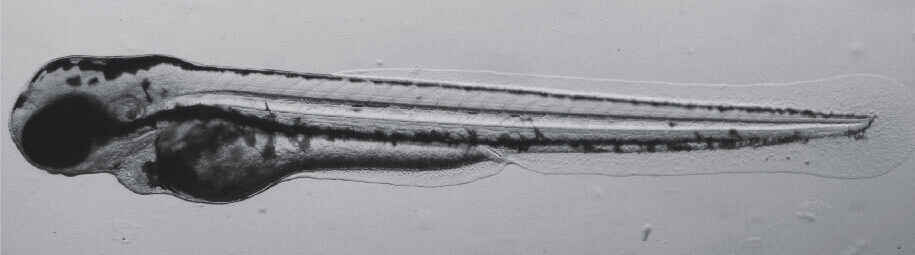 Brightfield (monochrome) Brightfield (monochrome) |
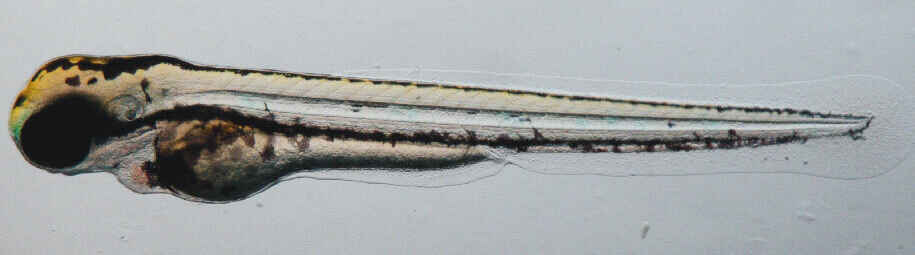 Brightfield (color) Brightfield (color) |
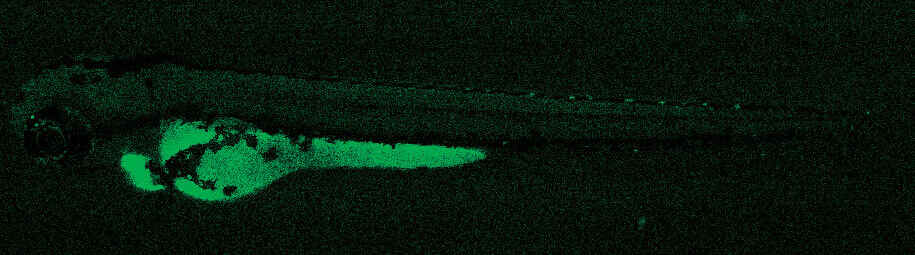 Fluorescence (monochrome) Fluorescence (monochrome) |
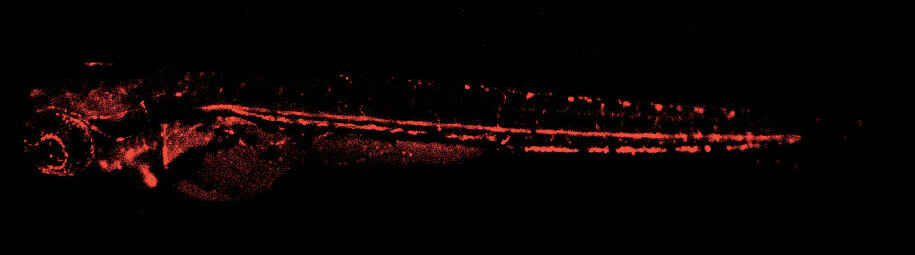 Fluorescence (monochrome) Fluorescence (monochrome) |
Zebrafish (Objective: SHR Plan Apo 1X)
A monochrome mode that acquires even near infrared images: Fluorescence observation with little damage to biological samples
Digital Sight 10’s monochrome mode supports near-infrared (700 nm) fluorescence image capture, normally difficult to achieve with conventional color cameras. As fluorescence sensitivity extends to the NIR region, this camera is suited to fluorescence image capture of thick samples and samples with weak phototoxicity.
For discriminating fine structures
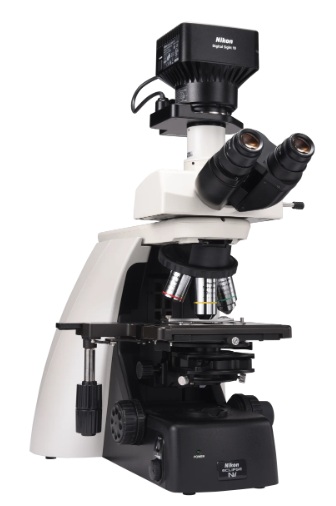 Upright microscope system ECLIPSE Ni Upright microscope system ECLIPSE NiObjective lens for biological microscope Lambda D |
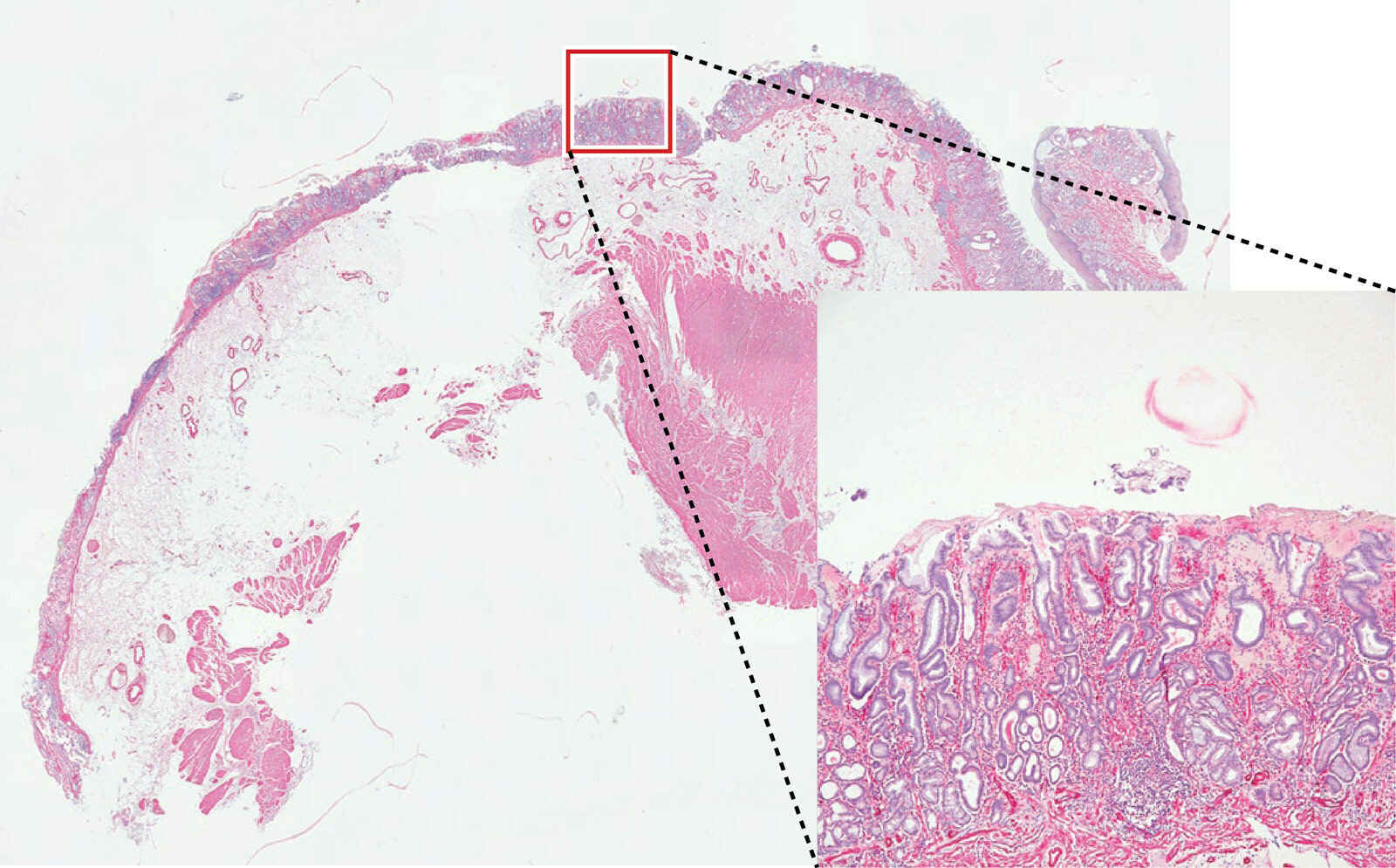
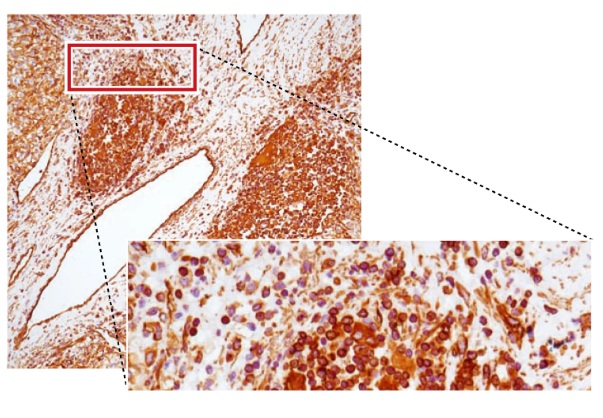 Kidney cancer, Vimentin staining (Objective: CFI Plan Apochromat Lambda D 20X) Kidney cancer, Vimentin staining (Objective: CFI Plan Apochromat Lambda D 20X)Photo courtesy of: Nichirei Biosciences Inc. |
For 3D imaging
ECLIPSE Ti2 takes advantage of a wide field of view (field number 25) to achieve high throughput even when capturing 3D or other large-size data. Combined with image processing, it enables the capture of clear images with a higher signal-to-noise ratio, even deep into subjects.
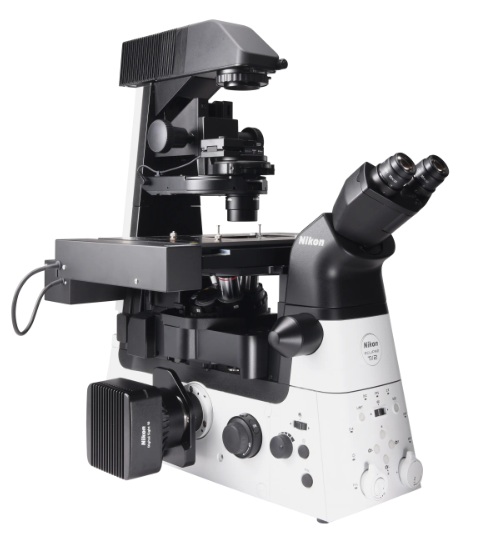 Inverted microscope system ECLIPSE Ti2 Inverted microscope system ECLIPSE Ti2Objective lens for biological microscope Lambda D |
Mouse neuron (Objective: CFI Plan Apochromat Lambda D 40XC)
From captured images of 18 μm thickness every 0.2 μm. Image processed with Clarify.ai |
For model organisms
SMZ25/18 offers high definition at high frame rates. Capture perfect, bright images without missing high-speed biological reactions. Low noise makes this system ideal for time lapse imaging.
 Stereoscopic microscope system SMZ25/18 |
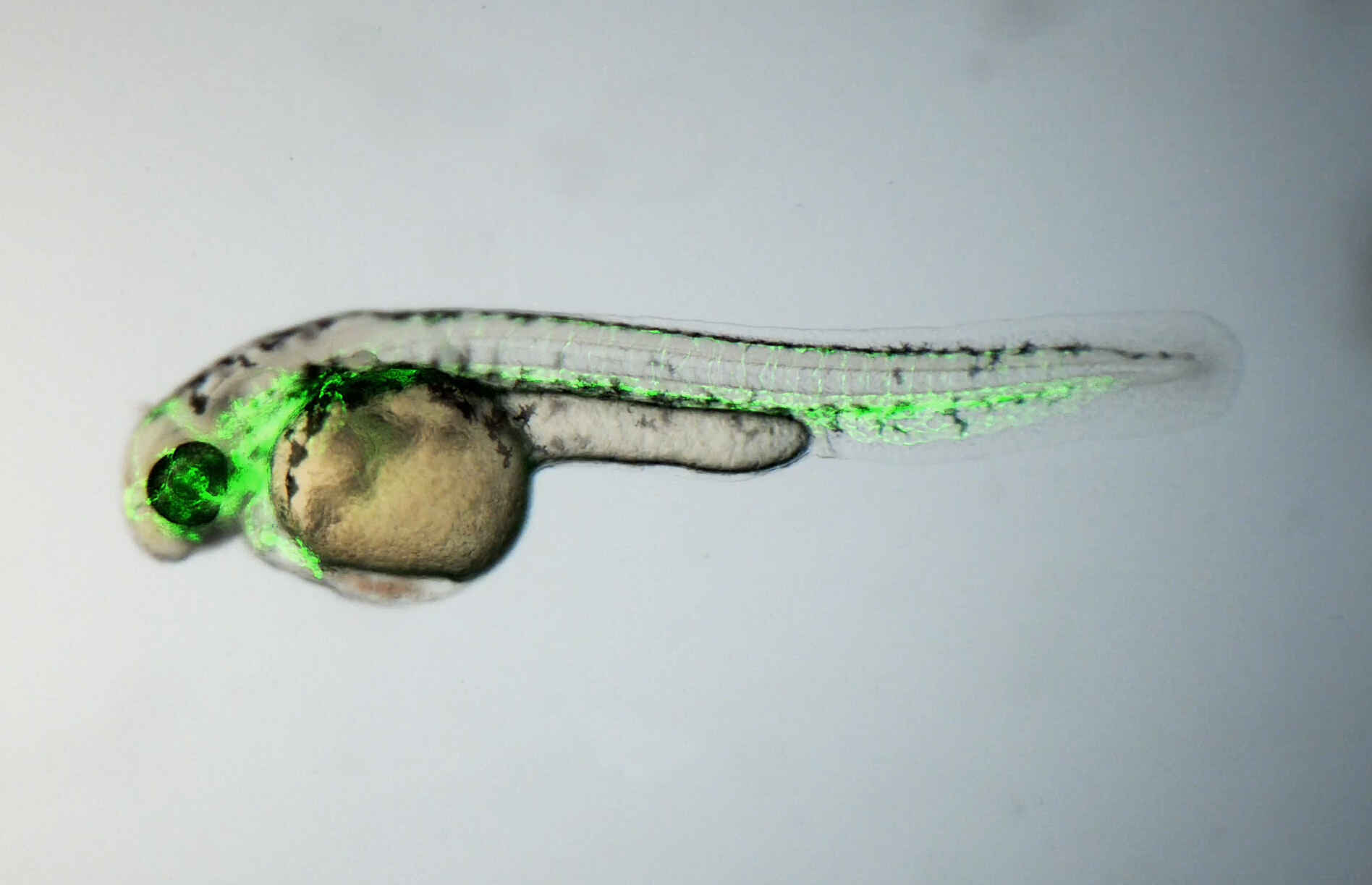 Zebr ZebrPhoto courtesy of: Dr. Hiroyuki Nakajima, National Cerebral and Cardiovascular Center |
Nikon uses the NIS-Elements series as control software. NIS-Elements allows functions from basic imaging to control of the microscope and peripheral devices to be performed, as well as the measurement, analysis, and management of acquired images. Four basic packages and a variety of optional modules are available to suit every application and objective.
 Free packageThe bundled free package offers functions for the display of scale on live images, full-screen display, and more. The simple operation screen makes shooting easy. |
 Documentation packageThe documentation package is equipped with measurement and report creation functions. It enables general microscopic image acquisition in fields from biomedical to industrial, and is expandable through optional added features such as EDF and databases. |
  Research packageThe research package enables the construction of advanced image acquisition systems, including multidimensional imaging (up to 4 dimensions for Br, 6 dimensions for Ar), through integration with systemized microscopes. Sets equipped with a rich range of image processing and analysis functions are available for every application. |
Compatible OS: Windows® 10 and 11 64-bit Professional
| Digital Sight 10 | |
|---|---|
| Image sensor | Nikon FX-format Color CMOS image sensor Size: 35.8 × 23.8 mm |
| Recordable pixels | 6000 x 3984 Pixels |
| Lens mount | F-mount |
| ISO sensitivity | Equivalent to ISO 200 (color mode) Equivalent to ISO 800 (monochrome mode) (Selectable from ISO 125 to 8000: in color / ISO 500 to 32000 in mono) |
| Live display mode* | All pixels (6000 x 3984): 9 fps FullHD 3×3 pixels average (1920×1080): 66 fps |
| Exposure time | 100 μsec ~ 120 sec |
| Photometry mode | Average photometry: Average intensity within the photometry area Peak photometry: Maximum intensity within the photometry area |
| Exposure control | One-time automatic exposure: Exposure time is adjusted automatically for one-time within the optimum range for the camera Continuous automatic exposure: Automatic exposure adjustment is performed continuously to keep the exposure within the camera Manual exposure: Exposure time and gain settings are made manually |
| Exposure correction | Average metering: ±1EV Step:1/6EV (some restrictions according to tone) Peak hold metering: -1 EV ~ ±0 EV |
| Interface | USB3.2GEN1,2 (connect with PC) × 1, External trigger × 1 |
| Power supply | AC100~240V 50Hz/60Hz |
| Power consumption | 18W |
| Dimensions | 113(W) x 108(D) x 110(H) mm |
| Weight | 1,100g (approx.) |
| Operating environment | 0-40°C, 60% RH max. (without condensation) |
To maintain the performance of this product, Nikon recommends you to perform regular maintenance.
Cleaning utensils
*1: Use the cleanroom wiper in the cleanroom.
*2: Do not use a spray type dust blower. It may cause condensation.
Consumables
Blow off dust in the mount using an air blower. Do not touch the components in the mount. Especially, never touch the image pickup device. If the image pickup device is touched, or dirt adhered to it cannot be removed with an air blower, perform the following procedure.
| Cleaning utensils | Description |
| Absolute ethanol | |
| Cleaning swab (specified item) | 24-mm cleaning swab (model: SKU.1696; from K&F Concept) |
The specified cleaning swab is available from your nearest Nikon representative (Digital Sight 10 distributor) or Amazon online shopping website.
(1) Dampen a cleaning swab with ethanol.
(2) Insert the cleaning swab through the F mount of the Digital Sight 10 to let the cleaning swab head contact with the surface of the image pickup device at the right or left end.
(3) Gently drag the swab from right to left or left to right once (Within a second or so for wiping).
If dirt remains, repeat steps (1) to (3) with a new cleaning swab.

 Color Mode
 Monochrome mode